The Influencer Program / Guides
Get your YouTube Shorts watched to the end, so YouTube keeps showing them
How the Shorts feed decides who sees your video, how to hook and hold viewers, and the upload settings worth getting right, shown on real YouTube Studio screens.
- 6 min read
- Updated Nov 24, 2026
- 100% free community
(Put your real links. No follower minimum, but you need to be an active content creator, otherwise you get rejected)
YouTube Shorts get views when people stop swiping and watch to the end. Pick a topic people want right now, set up a reason to stay in the first few seconds, keep the pace fast, pay off what you promised, and upload from the phone app with the right settings.
Getting zero views is not always a sign your video is bad. Often it is the topic, the first seconds, or how you uploaded it. Here is how to check each one.
How does YouTube decide who sees a Short?
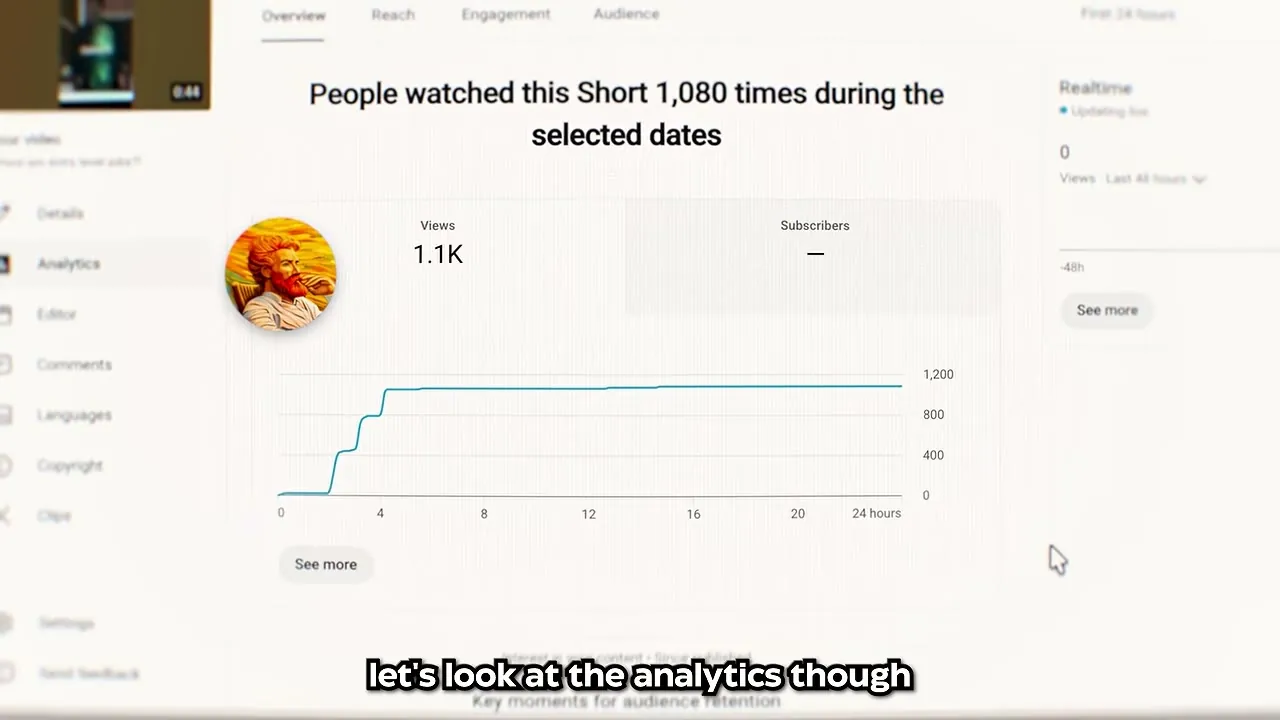
When you upload a Short, YouTube first shows it to a small group. It watches how that group behaves. If they keep watching, it pushes the Short to a bigger group, and then a bigger one. If they swipe away, the Short goes flat.
This usually plays out in the first 24 hours, with one or two pushes into the Shorts feed. A Short that gets no push at all is a sign to look again at your topic and your opening.
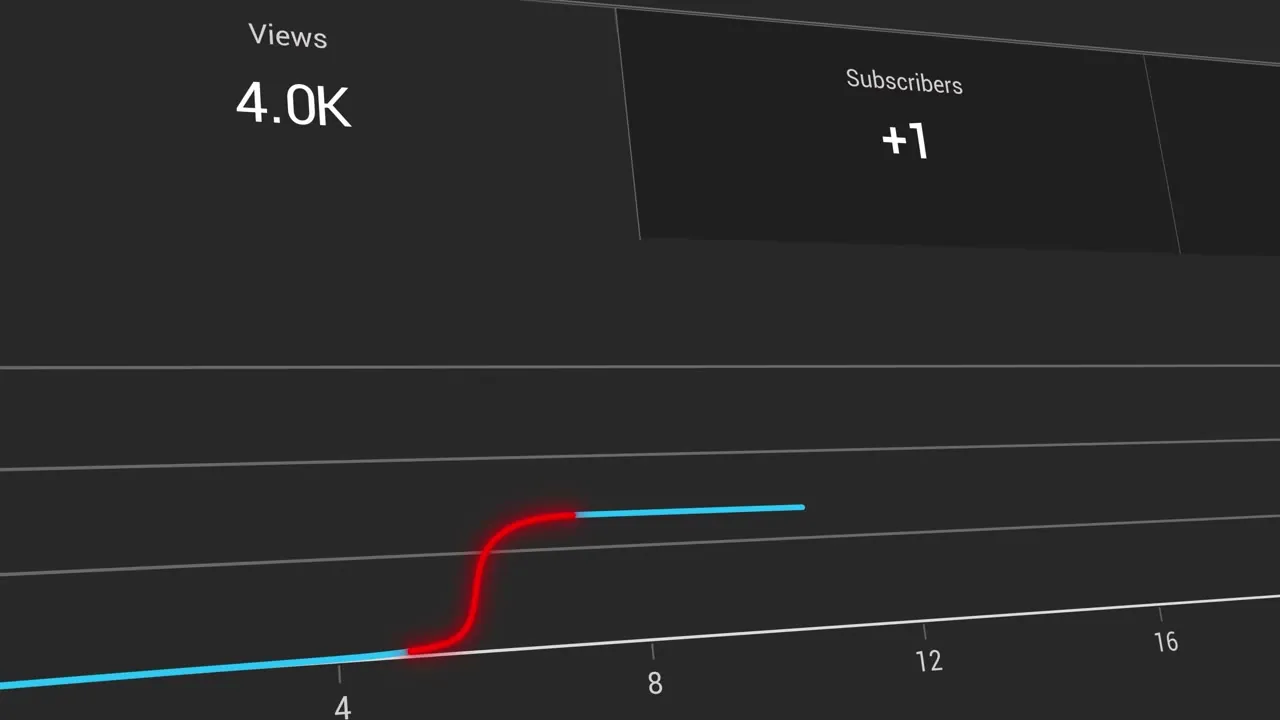
The two numbers that matter
Watch time matters far more than likes or comments. One creator saw no link between likes and views across 200 Shorts. What YouTube wants is people staying on YouTube.
- Viewed versus swiped away. How many people chose to watch instead of swiping past. On one channel, Shorts that went viral had over 80% here.
- Retention. How much of the Short people watched. The same channel's viral Shorts held 90% or more.
A Short that reached 80% viewed and 96% retention got 21k views in its first 24 hours, from a brand new channel. The aim is a retention line that stays as flat as possible.
What should your Shorts be about?
Pick a niche that is getting attention but is not yet full of copies. Very popular formats like funny sports moments or wholesome clips with AI voices are so crowded that new channels often get nothing.
Three ways to find a better one:
- Spot a rising niche early. Scroll Shorts until you find a type of video that is taking off with only a few channels making it.
- Bring a format from another app. A style that is popular on TikTok but rare on Shorts can stand out, as long as you make your own videos.
- Mix two styles. Take a format that works and add a twist of your own.
Think about mood too. Most people open Shorts for a quick break. A Short about something gloomy can flop even if the topic sounds good on paper. Topics that make viewers feel smart or surprised tend to hold them better.
How do you hook viewers in the first seconds?
Your opening has under 5 seconds to do three jobs: say what the Short is about, make it easy to understand, and promise a payoff.
- Give them stakes. Put the viewer inside the story. Instead of telling them how a company solved a problem, start with: you run a big coffee company, and you have a problem. Now they want to see how it ends.
- Promise something specific. A clear goal works, like proving someone wrong with a $5 Christmas gift.
- Let the screen do it. Text on screen and a clear first image can hook people even with no voice.
Keep them watching to the end
- Build tension. Set up a question and make people wait for the answer. Words like but and however keep people on edge.
- Add conflict. Let something go wrong, then fix it.
- Keep the pace fast. Cut every slow moment. One gaming creator spent an hour gathering footage for a one minute Short to keep only the action.
- Use music to set the mood. Changing the music between sections helps people feel each part.
- Deliver the payoff. If you promise a winner, show a winner. A let down ending loses the viewer who might have come back.
For more on holding attention, read how long a video should be.
The Influencer Program is a free creator community that teaches you and helps you grow, with free guides and content. We are not talent managers or an agency that signs you, and there is no contract.
Join the free creator program
Free training to grow, a community of creators, and weekly feedback on your videos. No contract.
(Put your real links. No follower minimum, but you need to be an active content creator, otherwise you get rejected)
What are the right upload settings for Shorts?
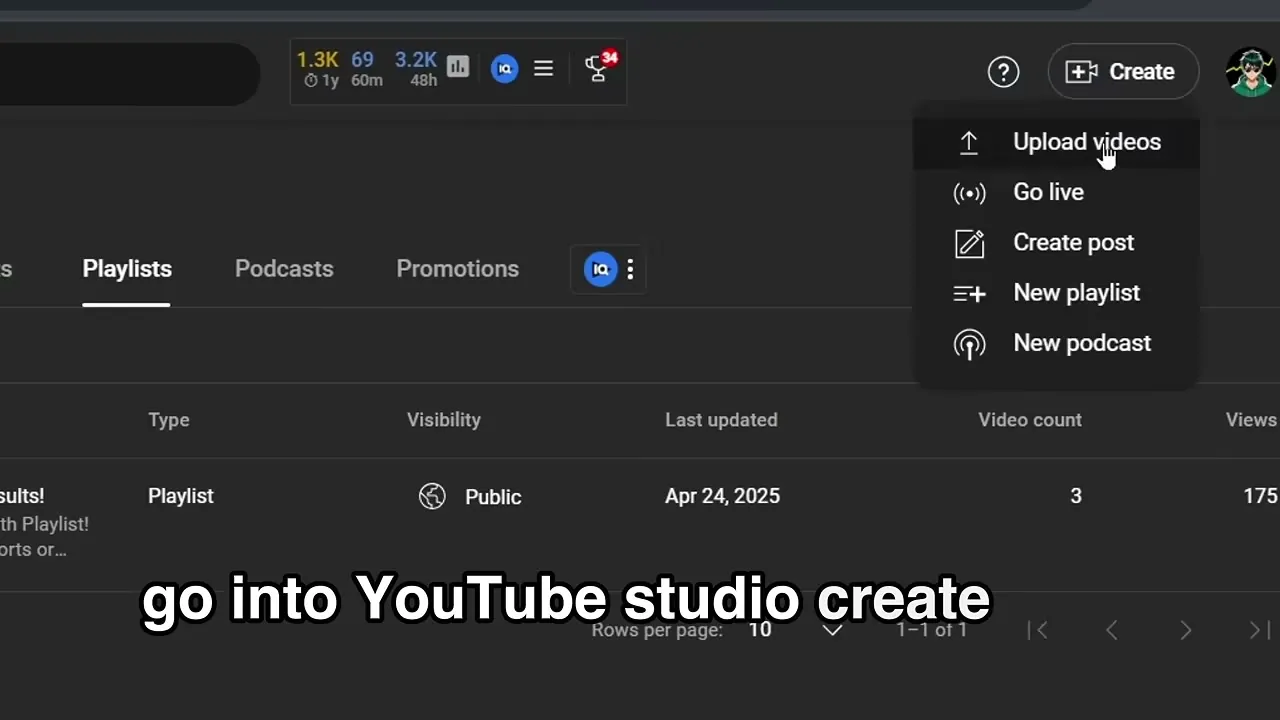
Upload from the YouTube phone app. On a desktop browser you cannot pick a custom thumbnail frame or add a trending sound.
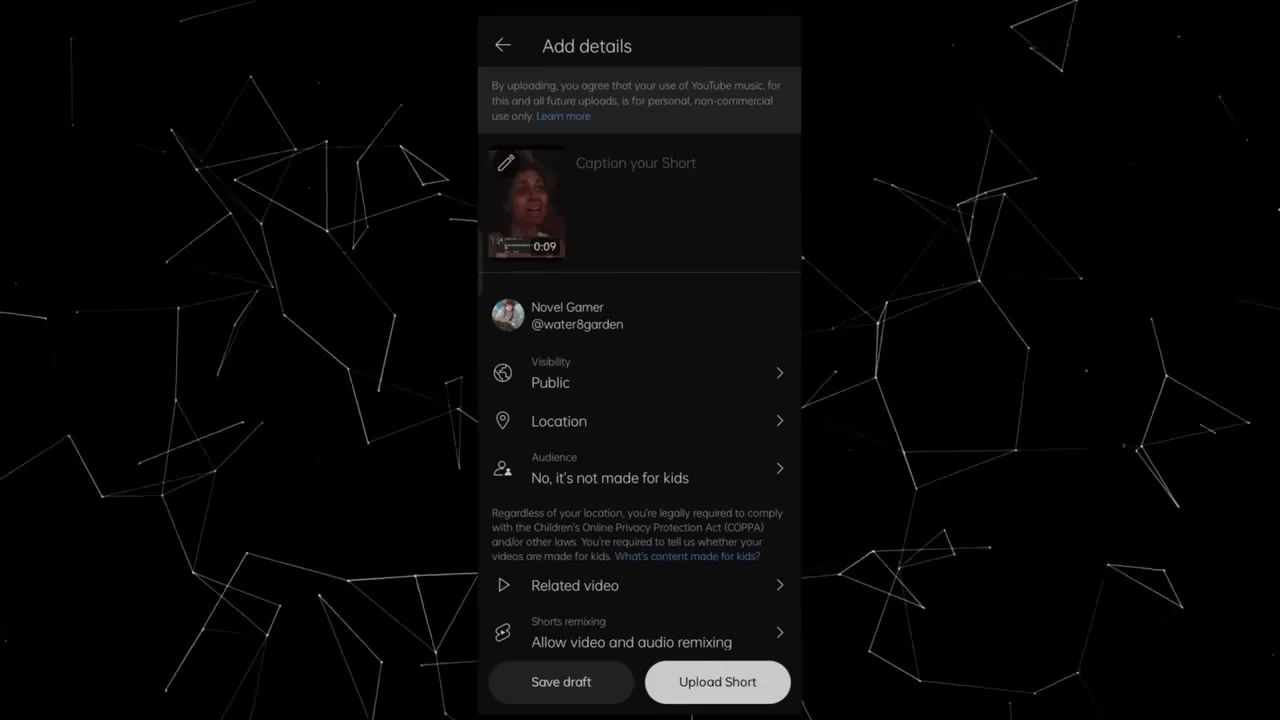
| Setting | What to do |
|---|---|
| Thumbnail | Put a brief eye catching frame in your Short, then pick it as the thumbnail in the app |
| Title | Start with two strong keywords, or tease the ending so people stay to see it |
| Hashtags | Use a few that fit your niche. YouTube has said over 60 hashtags can get a video left out of search |
| Description | One sentence on what the Short is about, plus a few keywords |
| Audience | Choose not made for kids unless it truly is for kids. Marking it for kids can cut it off from recommendations and the home page |
| Related video | Link one of your other videos so viewers can go straight to it |
| Timing | Post about 1 hour before your audience is most active. Check the Audience tab in YouTube Studio |
| Scheduling | If you upload early, set it to unlisted, not private, so YouTube can check it for copyright first |
Do Shorts need thumbnails?
Not for the Shorts feed, but they help elsewhere. A thumbnail lets your Short show up on the home page and in suggested videos next to long videos. One creator got more than half the views on a 4 million view Short from browse features this way. Those Shorts also kept getting views for longer instead of spiking and stopping.
How should you title a Short?
Many people only notice the first two words, so make them count. Or write a title that makes people stay to the end, like what he said at the end is wild.
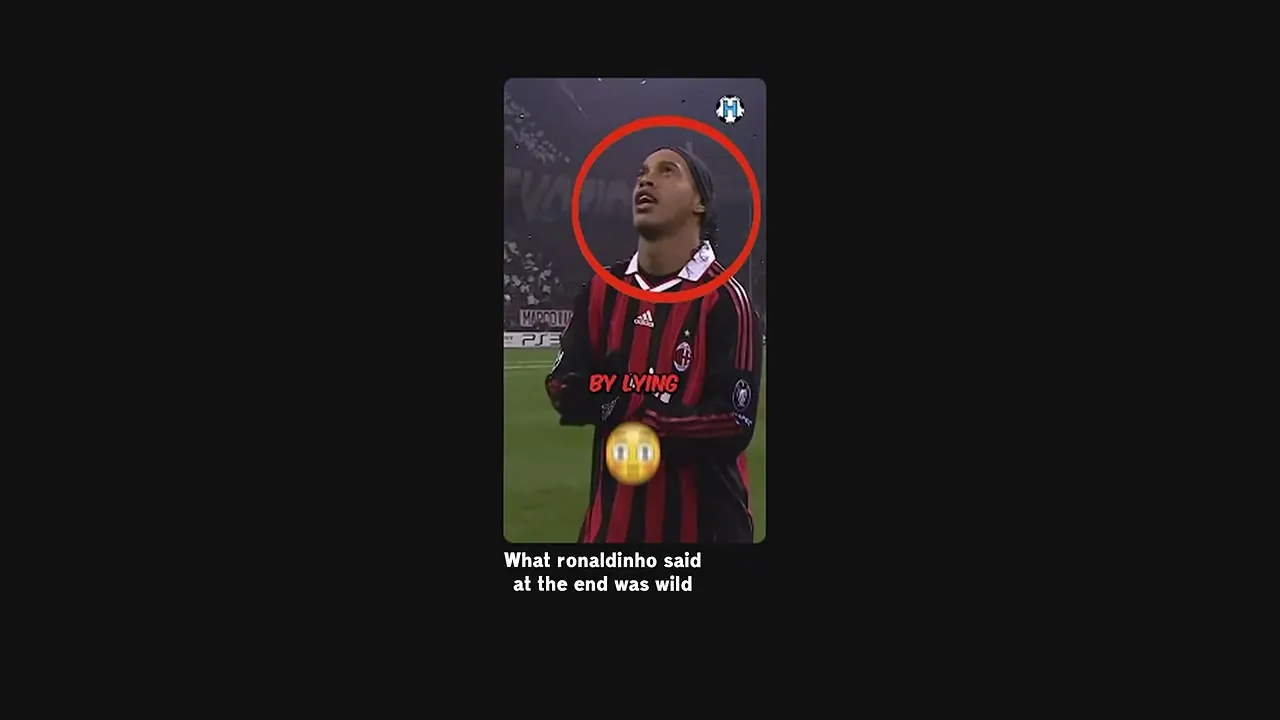
Hashtags matter less than you might think. Most Shorts views come from the Shorts feed, not hashtags. One creator's most popular Short had no tags, no hashtags and no description, and passed 9 million views. For more, see how to use hashtags.
How do you turn one view into several?
Point viewers to your next video. Add a related video to every Short when you upload. Build a playlist of your best videos that go together, and share it in your descriptions and pinned comments.
Can you make money from Shorts?
Yes, through the YouTube Partner Program. On the Shorts path, you need 1,000 subscribers and 10 million Shorts views in 90 days. Pay per view is small. One creator's earnings ran from 1 cent to 5 cents per 1,000 views, depending on the audience.
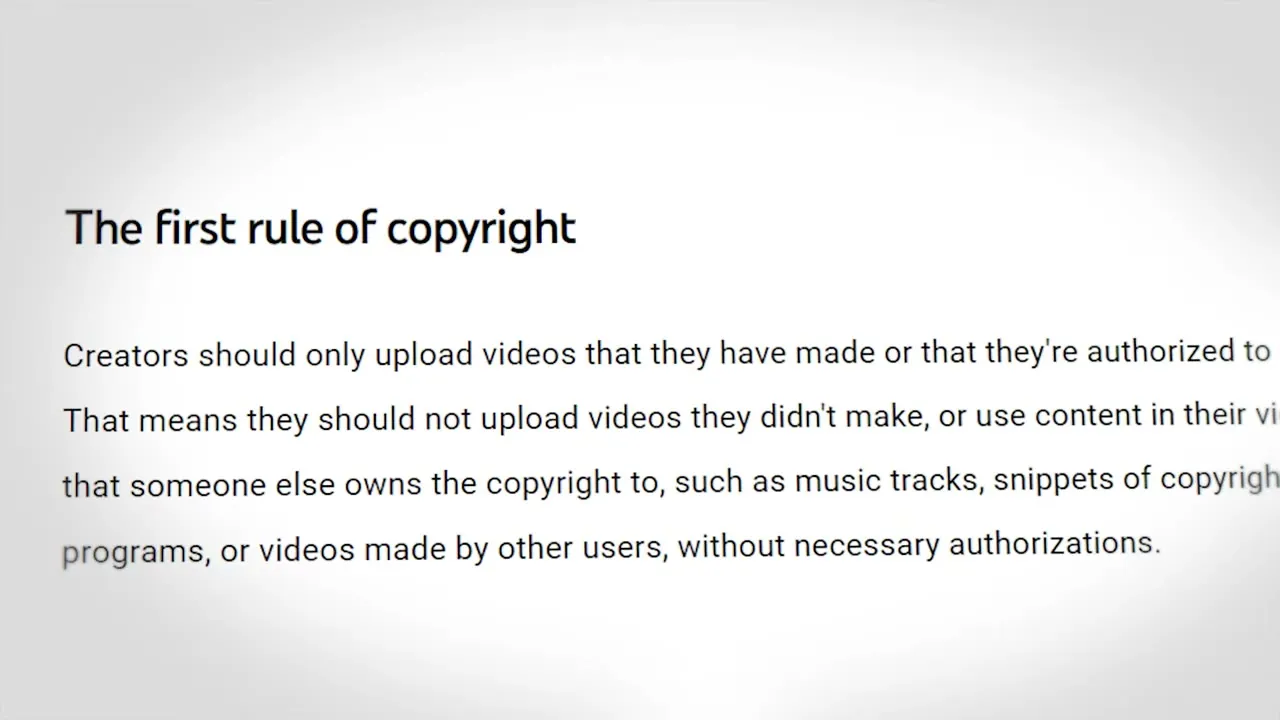
Make your own content. Uploading clips you did not make, like podcast snippets with gameplay and subtitles added, can get a channel demonetized under YouTube's reused content rules.
For the full picture on pay, read how YouTube Shorts pay.
What can you do this week?
- Open your last five Shorts in YouTube Studio and note how many people viewed versus swiped away, and the retention for each.
- Rewrite the first line of your next Short so it states the idea and promises a payoff in under 5 seconds.
- Cut every slow moment and make sure the ending delivers what the opening promised.
- Upload from the phone app, pick a thumbnail frame, set the audience correctly and add a related video.
- Check the Audience tab and schedule your next Short about an hour before your viewers' peak time.
More guides
- Go live on YouTube for the first time, with a setup that works
- Get your Reels in front of thousands of people who do not follow you yet
- Get your pins found by thousands of people searching for exactly what you offer
- Go viral on TikTok, then keep the people who found you
- Get your TikTok Shop videos pushed to buyers, whatever your follower count
- Write posts on X that people stop for, save and share
- Get YouTube to show your videos to more of the right people
- Give your song the best chance to go viral, and turn the views into real fans