The Influencer Program / Guides
Start a LinkedIn newsletter that lands in inboxes and grows with every new follower
How to set one up, what to write, how often to publish and how to get subscribers, using the tools LinkedIn already gives you.
- 6 min read
- Updated Nov 24, 2026
- 100% free community
(Put your real links. No follower minimum, but you need to be an active content creator, otherwise you get rejected)
To start a LinkedIn newsletter, click Write article on your LinkedIn home page, open Manage, and choose Create a newsletter. Give it a name, pick how often you will publish, add a logo and a short description, and publish your first issue the same day.
The best part comes next. The moment you launch, LinkedIn invites everyone who follows you or is connected to you to subscribe. You do not start from zero.
What is a LinkedIn newsletter?
A LinkedIn newsletter is a mix of an email newsletter and a blog. Each issue is a LinkedIn article, but the newsletter gives it reach. Every time you publish, the issue goes out three ways:
- To the inbox of every subscriber, by email.
- To the feed, as a post people can read and comment on.
- To notifications, so subscribers see a new issue is out.
Each issue also stays on your profile in an archive people can search and share. Comments from the feed post and the article sit together, so the talk around an issue lives in one place.
Why it is worth doing now
- You get a list on day one. Your followers and connections are asked to subscribe at launch, and every new follower after that is asked too. You never chase people one by one.
- There is room. LinkedIn has over a billion members but only about a hundred thousand active newsletters. More than 500,000 members already subscribe to newsletters, so people are used to saying yes.
- LinkedIn helps your first issues. It gives your first few issues extra reach, so make those count.
- Links are welcome. A link in a normal post sends people away from it. A newsletter is expected to link out to your videos, your products or a call.
How do you set up a LinkedIn newsletter?
- On your home page, click Write article.
- Open Manage and pick Create a newsletter from the menu.
- Name it, choose how often it comes out, upload a logo (Canva works well) and write a short description.
- Write your first issue and publish it at the same time you launch.
Inside Manage you can also save drafts, build templates and schedule issues ahead, even for the next 90 days.
Personal profile or company page?
| Personal profile | Company page | |
|---|---|---|
| Who can publish | Only you | Anyone you make an admin |
| How often | Weekly, every other week or monthly works best | Daily can work with a team behind it |
| Best for | Building your own name | A brand with several people writing |
| Length | Up to over 100,000 characters an issue | Same |
A normal text post holds only about 3,000 characters. If you have more to say and your readers like long reads, the newsletter is the better home.
You can change how often you publish later. LinkedIn does not announce the change to everyone.
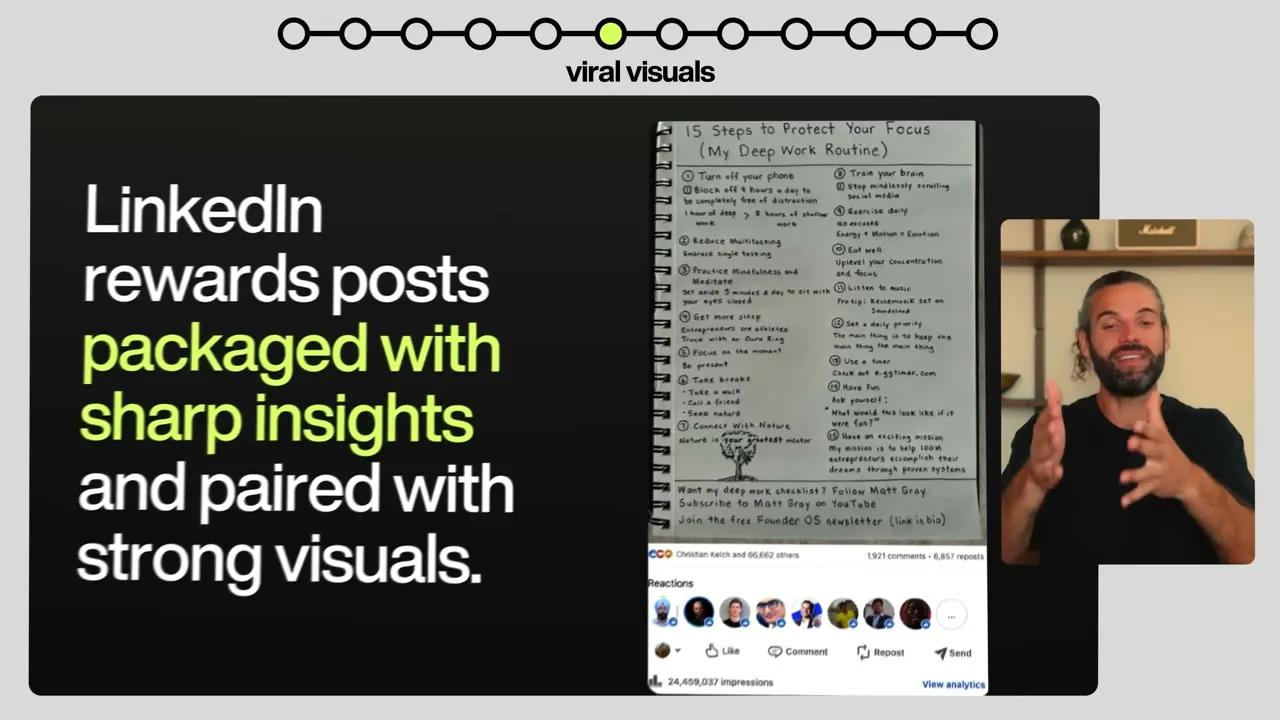
How do you make people want to read it?
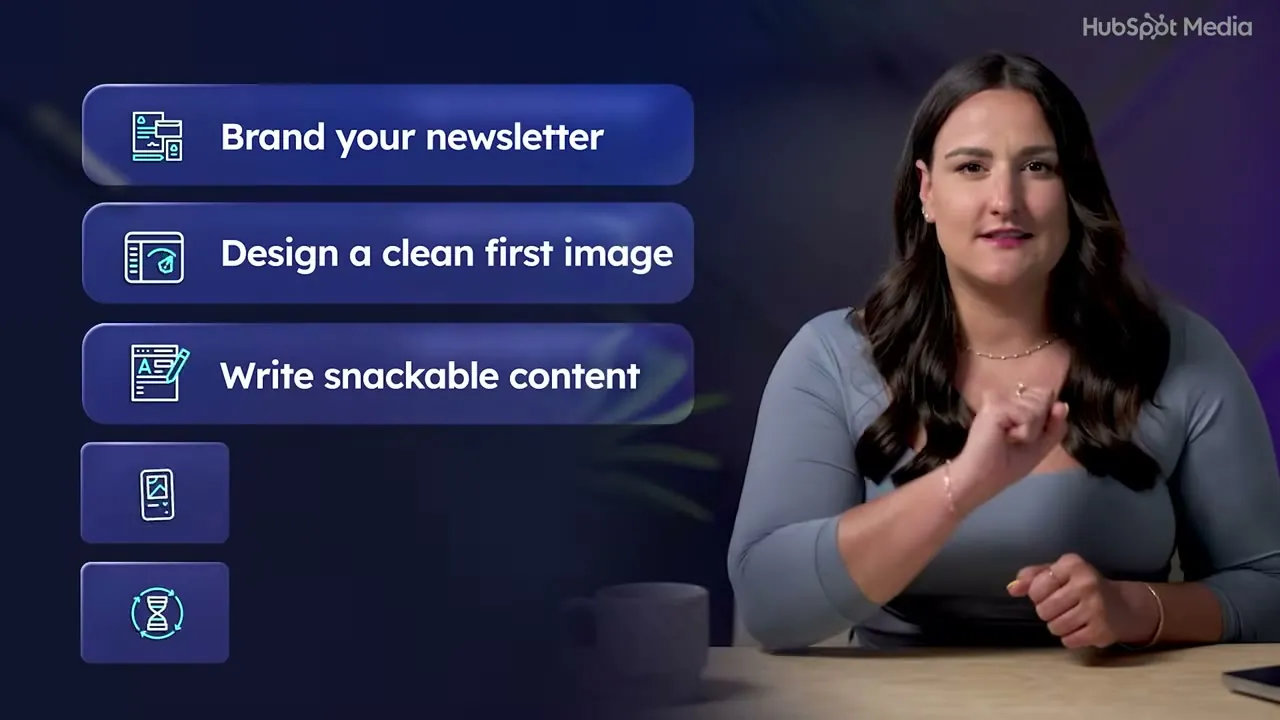
Give it a real name
Do not call it Monthly Updates. Give it a name that sounds like a series people look forward to, like Marketing on Mondays or Freelance Fix. An AI tool can help you list name ideas if you tell it what you do.
Make a clean first image
The first image in your issue is also its thumbnail in the feed and on your newsletter page. Make it 1920 by 1080 pixels in Canva, with your logo, your colors and a few words on the topic. Save it as a template so every issue looks like part of the same series.
Keep it short enough to finish
Aim for 400 to 800 words to start. That suits busy readers who want a clear takeaway. A deep guide or case study can run to 2,000 words or more if every part is useful. Use bold headings, short paragraphs and bullet points so someone scrolling at lunch can still get the point.
Use the same shape every time
- Open with a short story or a view. A moment from behind the scenes, a strong opinion or a lesson.
- Teach one thing. One tip, one framework or one trend. Do not cram.
- Link to something. A free guide, a video or your latest post.
- End with a soft ask. Invite comments or replies. Pitch an offer only once every 3 to 4 issues.
Pick topics you already have
You do not need to be profound. Try these:
- A question your clients or followers ask all the time.
- Your best performing post, turned into a deeper dive.
- A myth or mistake in your field that you can clear up.
One idea per issue is the whole trick.
How often should you publish a LinkedIn newsletter?
Pick a pace you can keep and stick to it. People like routines, and so does the algorithm. LinkedIn's own newsletter has over 9 million subscribers and comes out only every 2 weeks, which shows steady beats frequent.
On a personal profile, weekly, every other week or monthly is plenty. Publishing every day on a personal profile can wear out your readers, and it can make you look like you have nothing else going on. If you want to try more, test it for one push week.
Stay steady without burning out
Turn what you already made into issues. A blog post, a podcast transcript or a YouTube script can become a newsletter. Ask an AI tool to rewrite it as a short, skimmable issue with a personal intro, one takeaway and one link, then edit it in your own voice. Do 3 to 4 at once and schedule them. For more on this, see how to start a newsletter.
The Influencer Program is a free creator community that teaches you and helps you grow, with free guides and content. We are not talent managers or an agency that signs you, and there is no contract.
Join the free creator program
Free training to grow, a community of creators, and weekly feedback on your videos. No contract.
(Put your real links. No follower minimum, but you need to be an active content creator, otherwise you get rejected)
How do you get more LinkedIn newsletter subscribers?
Launch gives you one big burst. After that, every new follower is asked to subscribe, so growing your following grows your list. Then add these:
- Put it in your profile. Add the newsletter name to your headline and bio.
- Feature it. A newsletter in your Featured section gets a live subscribe button, so visitors can join without leaving your profile.
- Post from it. Share your best paragraph from an issue as a post, with a subscribe link in the comments.
- Mention it. In other posts and videos, say you covered this in last week's newsletter.
- Reshare early issues. LinkedIn pushes your first few harder, so use that window.
- Share the link off LinkedIn. Your newsletter has its own link with a subscribe pop up. Put it in your Instagram bio. Many people would rather get a free resource than follow you for its own sake.
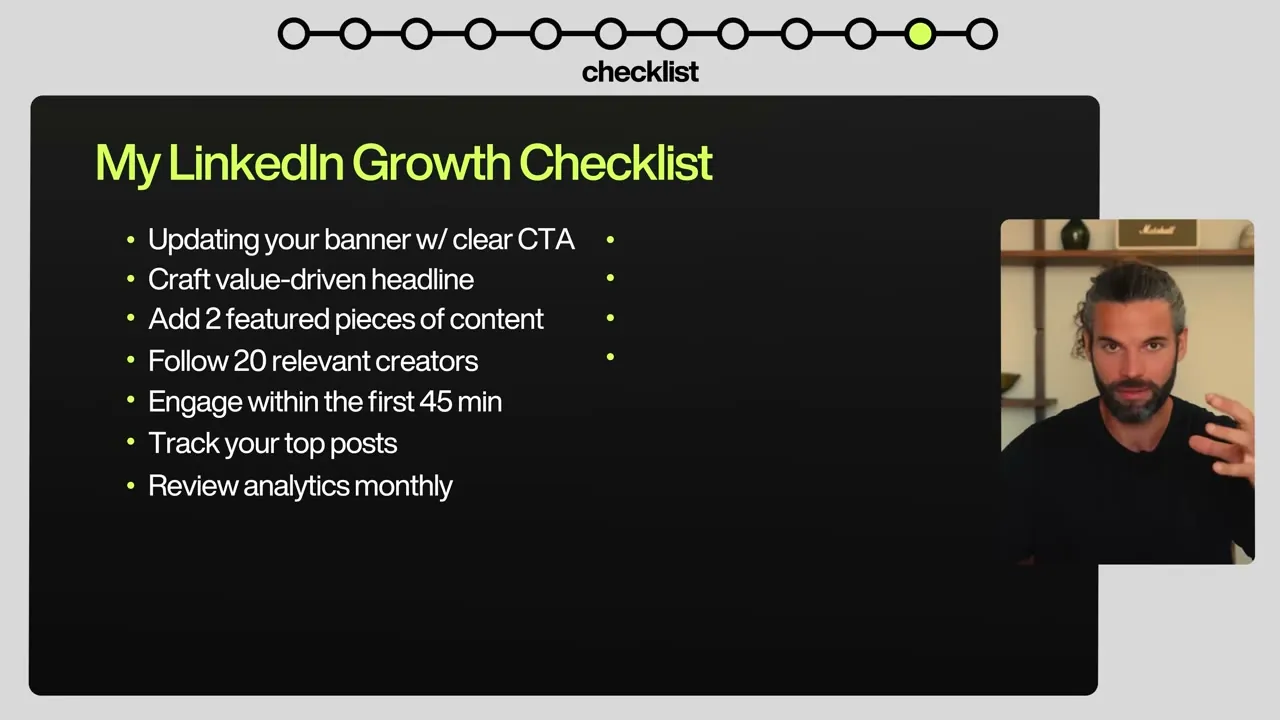
Tie your offer to the post
When a post links to your newsletter or a freebie, match the freebie to the post. A post about deep work can offer a deep work checklist. The closer the match, the more people click.
How do you know if it is working?
Check your newsletter analytics once a week. LinkedIn moves these tools around, so look under your analytics or creator tools if you cannot find them.
- Subscriber growth week by week.
- Comments, shares and saves on each issue.
- Link clicks, using links you can track.
- Results: sign ups for your freebie, calls booked, leads.
- Replies and messages. The best feedback often shows up in your inbox, not your numbers.
A newsletter that builds trust can also bring brand deals and clients later. Be useful first and sell later. For ideas on growing on LinkedIn more widely, read our guide to LinkedIn influencers.
What can you do this week?
- Write five name ideas and pick one that sounds like a series.
- Make a 1920 by 1080 cover template in Canva.
- List 3 to 4 questions people ask you and turn one into your first issue of 400 to 800 words.
- Launch the newsletter and publish that issue the same day, with a post to your feed.
- Add the newsletter to your headline and Featured section.
More guides
- Get noticed by lululemon and the fitness brands like it
- Grow your newsletter with a clear promise, steady posting and the right partners
- What it takes to make money on TikTok Shop full time
- Sell supplements on TikTok Shop without getting your videos pulled
- Earn commission from Shein with the outfits you already post
- Get paid on ShopMy for the products you already post
- Make short form videos that stop the scroll and hold attention to the last second
- Get into the Target affiliate program and earn up to 8% on what your followers buy