The Influencer Program / Guides
Film yourself alone and make videos that look and sound professional
The gear you need, the phone settings to change, the shots to plan, and the tricks solo filmmakers use so nobody can tell you were alone.
- 8 min read
- Updated Nov 26, 2026
- 100% free community
(Put your real links. No follower minimum, but you need to be an active content creator, otherwise you get rejected)
You can film yourself with the phone you already own, a cheap tripod and a window. Get the background, the light, the camera height, the sound and your eye line right, then plan a mix of shots, and your videos stop looking like selfies.
What do you need to film yourself?
Less than most people think. A modern phone is the best camera to learn on.
- A tripod. A basic phone tripod for about $28 holds the shot steady and straight, the same way every time you set up.
- A microphone. A small wireless mic that plugs into your phone costs about $40 and can sound close to podcast quality.
- Light. A window is free and soft. If you film indoors without good daylight, one light with a large softbox gives the same soft look.
- Later, if you want them. A mini tripod, a clamp or an extending pole for the harder shots further down.
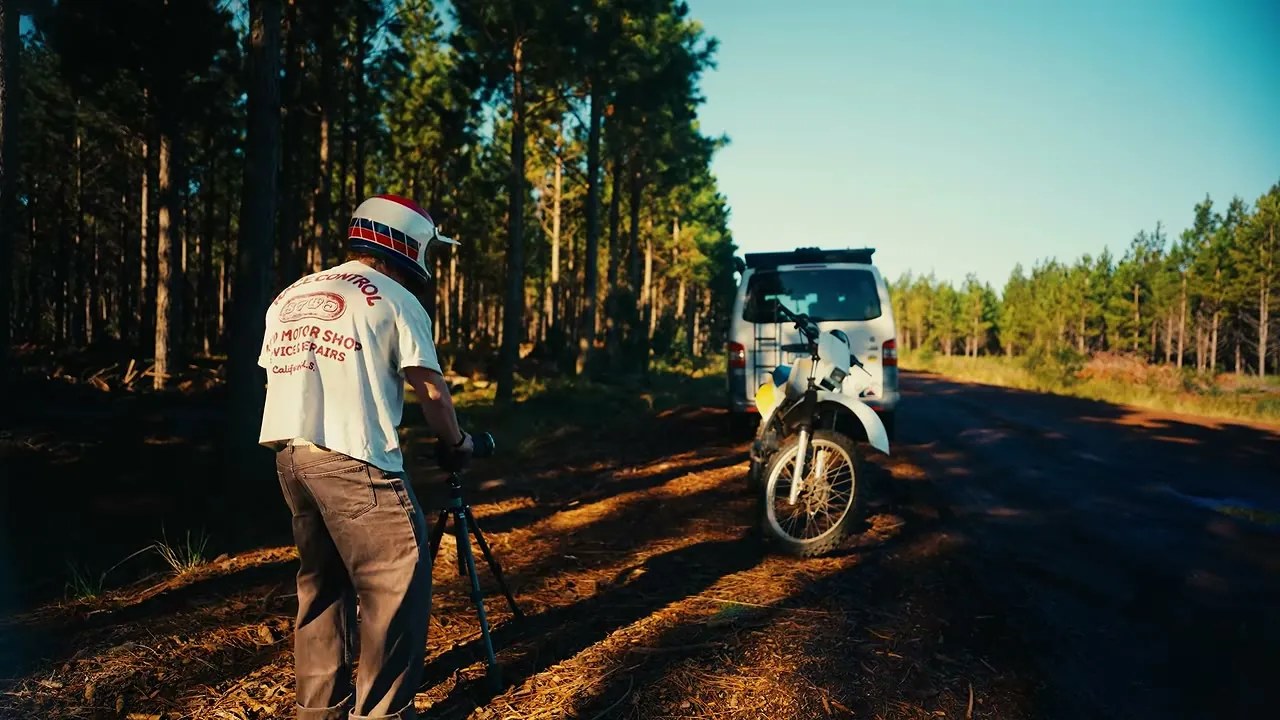
For gear picks by budget, see the vlogger camera kit guide.
How do you set up a talking head video?
A talking head video is you speaking straight to the camera. It teaches five basics that make every other kind of video look better too.
Clean up the background
Look at what sits right behind your head. A busy background pulls the eye away from you, so pick the cleanest spot you can find.
Face the light
Sit facing a window for soft, even light. Indoors, an affordable light inside a big softbox copies that look.
Use a tripod
A tripod gives you a shot that is steady, level and easy to repeat.
Put the camera at eye level
A camera below your chin shows too much of your body. A camera far above you makes you look small. Eye level is the safe spot.
Look at the lens
The front camera lets you check your framing, but your eyes will drift to the screen. The rear cameras usually give a slightly better picture. Whichever you use, look straight into the lens.
What phone settings should you use?
A few settings make a bigger difference than any new gear.
| Setting | What to pick | Why |
|---|---|---|
| Resolution | 4K, not 1080p | Four times the pixels to work with in the edit |
| Frame rate | 24 or 30 frames a second | The most natural look at normal speed |
| Slow motion | 60 or 120 frames a second | Only for shots you plan to slow down |
| Stabilization | Enhanced stabilization on | Smoother footage for a crop you will barely notice |
| HDR | Off | Many editing apps handle HDR footage badly |
Leave exposure on auto while you learn. Shutter speed, aperture and white balance can wait.
How do you get good sound when you film yourself?
Sound is half of the video. If you want it to look professional, it has to sound professional too.
- A wireless mic with a USB-C receiver plugs straight into the phone.
- Some kits come with two mics, so you can mic up a guest, and an app with noise cancellation for loud places.
- Clip the mic to your collar, or put it in a small handle with a windscreen so it sits close to your mouth.
What shots should you film?
One shot for a whole video gets dull fast. Mix these.
| Shot | What it shows | When to use it |
|---|---|---|
| Wide | Where you are and how big the place is | To open a scene or show scale |
| Medium | You from the waist up, with some room around you | To show what you are doing |
| Close-up | A face, a hand or a small detail | To show emotion or an action that matters |
| Over the shoulder | What you are looking at, past your shoulder | Working at a screen, reading a map |
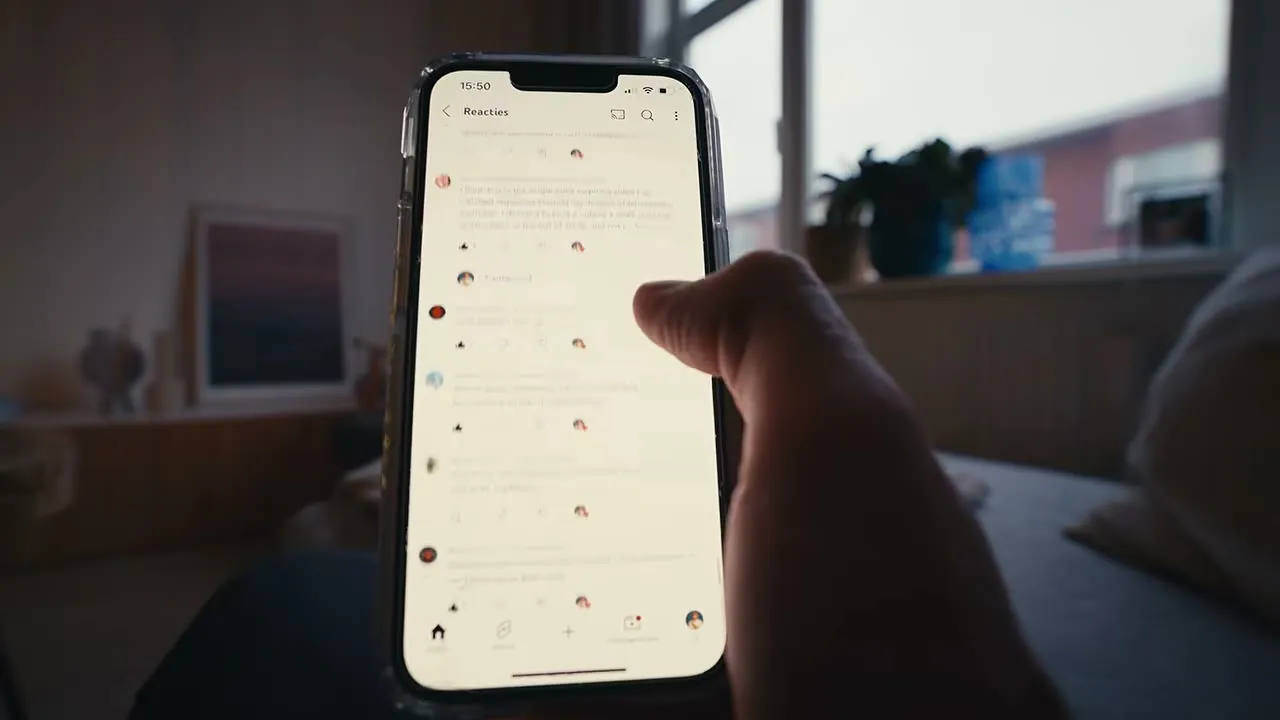
| Point of view | What your own eyes see | Tutorials and anything done with your hands |
| Tracking | The camera follows you as you move | Going somewhere, a journey |
| Still frame | You walk into and out of a shot that does not move | Movement without any special rig |
| Push in or pull out | The camera moves closer or farther away | Build tension, then let it go |
| Walk away | You leave the frame or walk off into the distance | To end a scene |
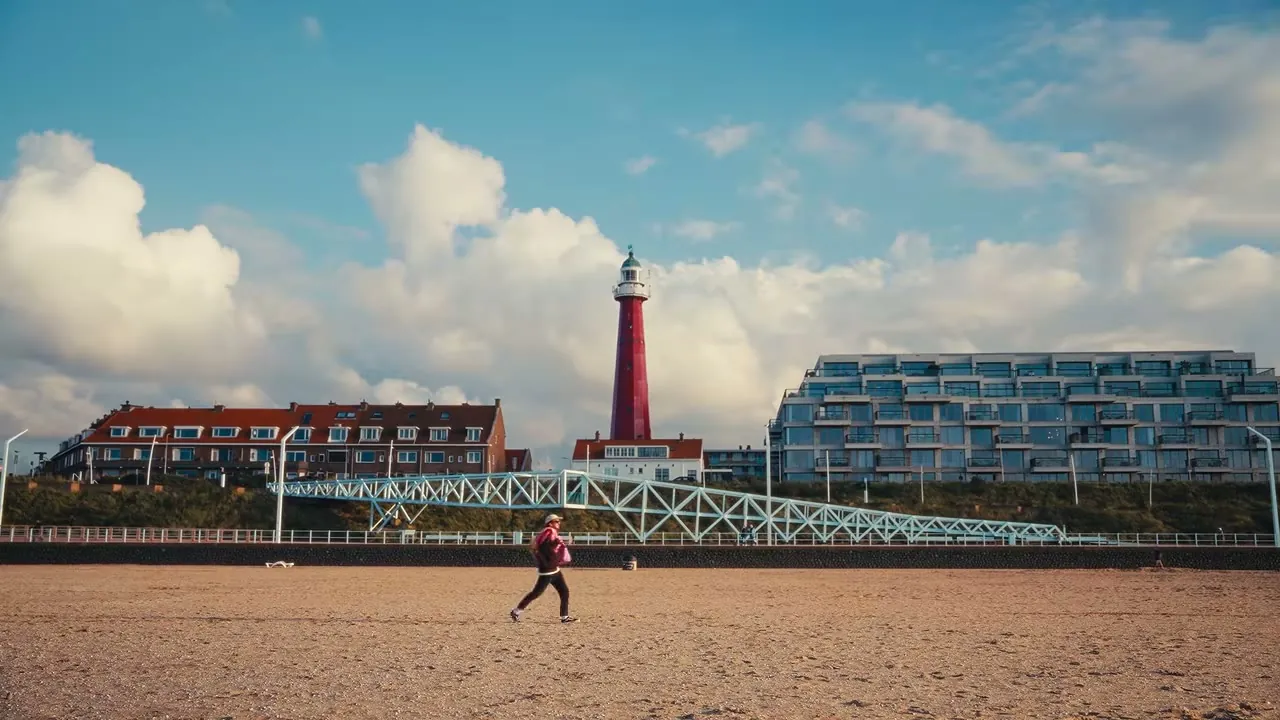
You do not need a gimbal. For a tracking shot, hold the camera steady while you walk. For a push in, zoom slowly in the edit.
Put shots in a sequence
Start wide so viewers know where they are, cut to a medium shot, then a close-up on the thing that matters. Filmmakers call this coverage. Do not fill a video with medium shots only.
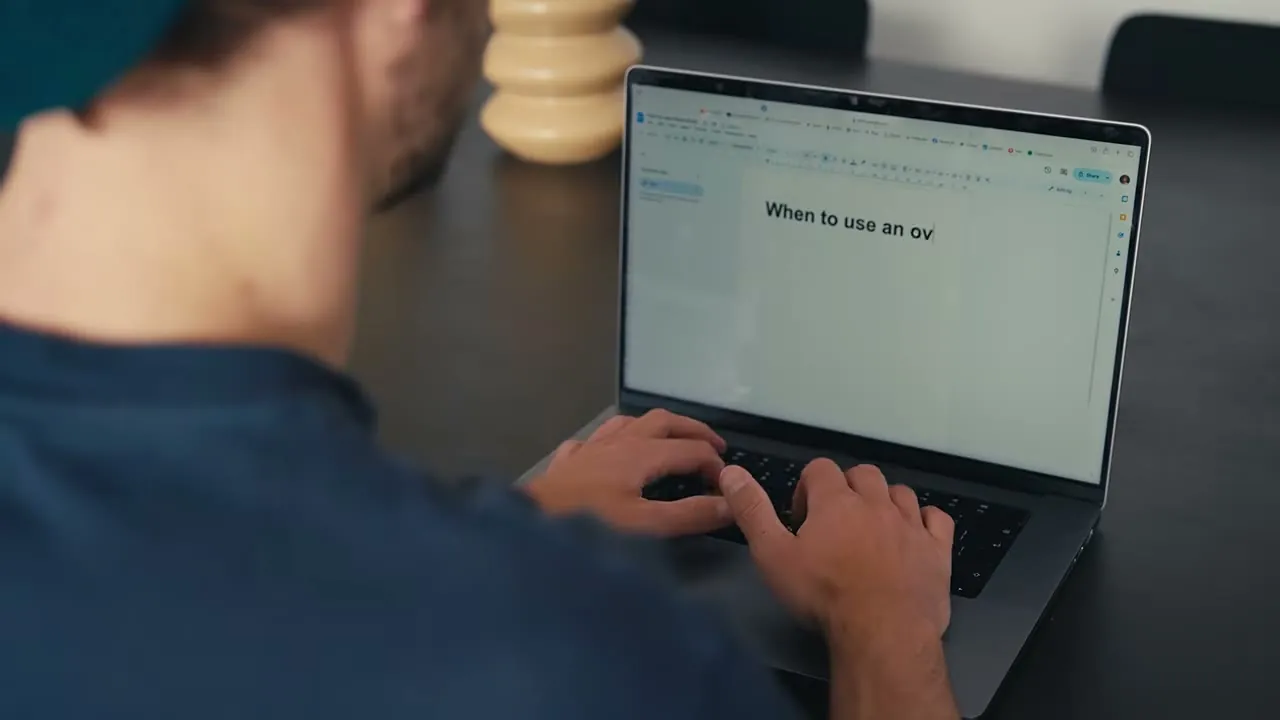
A camera looking down on you makes you look smaller or unsure. A camera looking up makes you look confident.
How do you film yourself without it looking like a selfie?
- Put the camera far away. Across the room on a longer lens, you look like you do not know the camera is there, and that feels cinematic. Up close on a wide lens, it looks like you are about to talk to it. Stay near your gear until the moment you film, and pick safe places.
- Go high. An extending rod on top of a tripod lifts the camera over your head. Put something in the foreground, like street signs, so viewers can tell how high up it is.
- Go low. Put your phone on a mini tripod pointing up. You cannot see the screen, so mirror it to a second screen to check the frame.
- Control the camera from your phone. Some cameras pair with a phone app that shows the frame. Tap on yourself to focus, then tap the background during the shot for a smooth focus change.
- Film in a moving vehicle. A taxi or a ferry adds motion while you and the camera stay still.
- Film your hands and feet. Put a small object, like a leaf, in the middle of the frame and focus on it. Step on it as you walk past, and your foot lands sharp and framed. Keep the camera level with your hands or feet, not looking down on them.
- Hide the tripod. For a mirror shot or a shot from above where gear shows, film the scene, move the gear, and film the empty space. In the edit, lay that patch over the first shot.
- Clone yourself. Find a spot where nothing else moves. Start one long take with the room empty, then stand in different places for at least 10 seconds each. Do not overlap yourself.
How do you light a shot when you are alone?
Lighting decides whether a shot looks cinematic or bland. What makes it interesting is contrast: light and dark, warm and cool.
- Put your key light in front and to one side so it lights half your face, and let the other half fall into shadow.
- In a city on a sunny day, put the sun on one side of your face and sunlight bouncing off a building on the other. You get a three dimensional look with no lights at all.
- One portable light at 90 degrees to the camera makes an edge light that lifts you off the background.
- Do not point the camera straight into the sun, or part of the frame blows out. Turn a little so the sun sits out of frame but still lights you from behind.
Good video is one part of growing as a creator. The Influencer Program is a free creator community that teaches you and helps you grow, with free guides and content. We are not talent managers or an agency that signs you, and there is no contract.
Join the free creator program
Free training to grow, a community of creators, and weekly feedback on your videos. No contract.
(Put your real links. No follower minimum, but you need to be an active content creator, otherwise you get rejected)
How do you plan a solo shoot?
- Know the story first. What happens, who it is about, and how it changes. The parts of your story you find boring are often what others find fascinating.
- Write a shot list. Draw each shot, or write it out in as much detail as you can, so on the day you know what you meant. Start wide and go tight.
- Film the lead up and the ending. Show yourself getting ready and packing up, so the scene has a start and a finish.
- Film one action from more than one angle. Then you can cut in the middle of the action, like halfway through taking off a helmet.
- Keep the direction. If you move from right to left in one shot, keep moving right to left in the next.
- Grab cutaways. A few shots of the place with nobody in them fill a gap when two shots do not cut together.
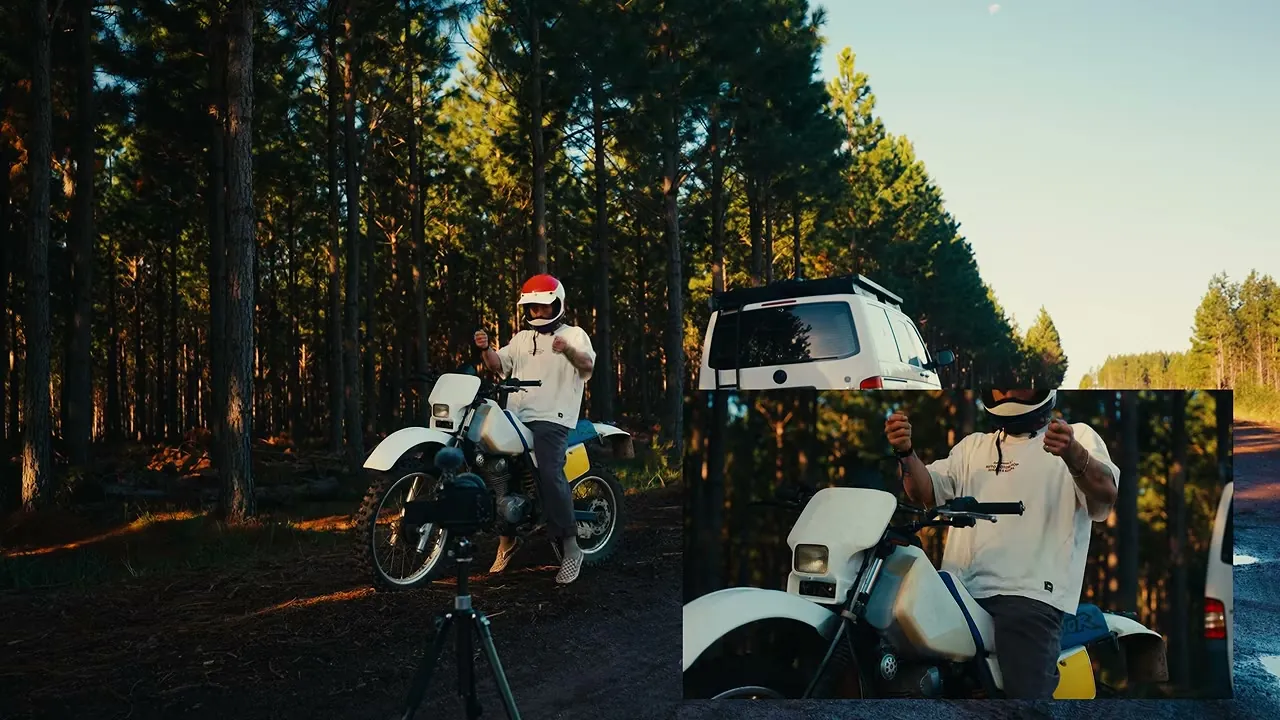
- Expect trial and error. One solo shoot took about 4 hours for about 40 seconds of usable footage. When a plan fails, switch to another one and keep going.
How do you edit it together?
- Some creators pick music first. Record your voiceover, lay the music under it, then plan your shots around that pace.
- Cut to the rhythm of the music.
- Add sound effects and color last. Sound design is slow work, but it adds real depth.
Start with a free editor. See video editing software for beginners and how to make YouTube videos.
The idea and the writing matter more than all of the above. For vlogs, read how to start a vlog on YouTube next.
What can you do this week?
- Pick one spot at home and clear everything behind your head.
- Set your phone to 4K at 24 or 30 frames a second, with stabilization on and HDR off.
- Film one talking head clip at eye level, facing a window, looking into the lens. Watch it back.
- Write a shot list for one short scene: a wide, a medium, a close-up and a walk away.
- Try one trick from this page, like the leaf focus trick or the clone shot.
More guides
- Get Instagram followers who watch, so brands want to work with you
- Get more likes on TikTok by showing the right people a video worth liking
- Get more subscribers on YouTube, starting from zero
- Get steady traffic to your blog from Google, Pinterest and the places your readers already are
- Get more people into your TikTok LIVE and give them a reason to stay
- Get out of the one viewer club and grow a Twitch stream people come back to
- Get more people watching your Snapchat stories and Spotlight videos
- Get more views on every YouTube video you upload